For VIOFO dash cameras with Wi-Fi station mode · Windows 10 and 11
Your VIOFO footage, on your PC automatically
Dashcam Downloader copies new recordings from your VIOFO camera to your Windows PC – or a NAS folder – over your home Wi-Fi, in the background, whenever the camera is in range. No SD card to pull out, no cloud, no subscription.
Try free for 7 daysFully working 7-day trial · one-time purchase · no subscription · from the Microsoft Store
Please read before you buy. Automatic downloads from a VIOFO camera depend on two camera settings that are not the default: Wi-Fi station mode, and the camera keeping its Wi-Fi on once the car is parked. With standard VIOFO firmware the camera switches its Wi-Fi off when parking mode starts, so downloads happen while the car is running – for example in the minutes after you arrive home. That is why the trial is fully working: check your own camera first.
How it works
1. Station modeYour VIOFO joins your home Wi-Fi instead of running its own hotspot (set up in the camera and the VIOFO app).
2. New clips downloadDashcam Downloader, running in the tray, finds the camera and copies the clips you don’t have yet. Locked (protected) clips are recognised.
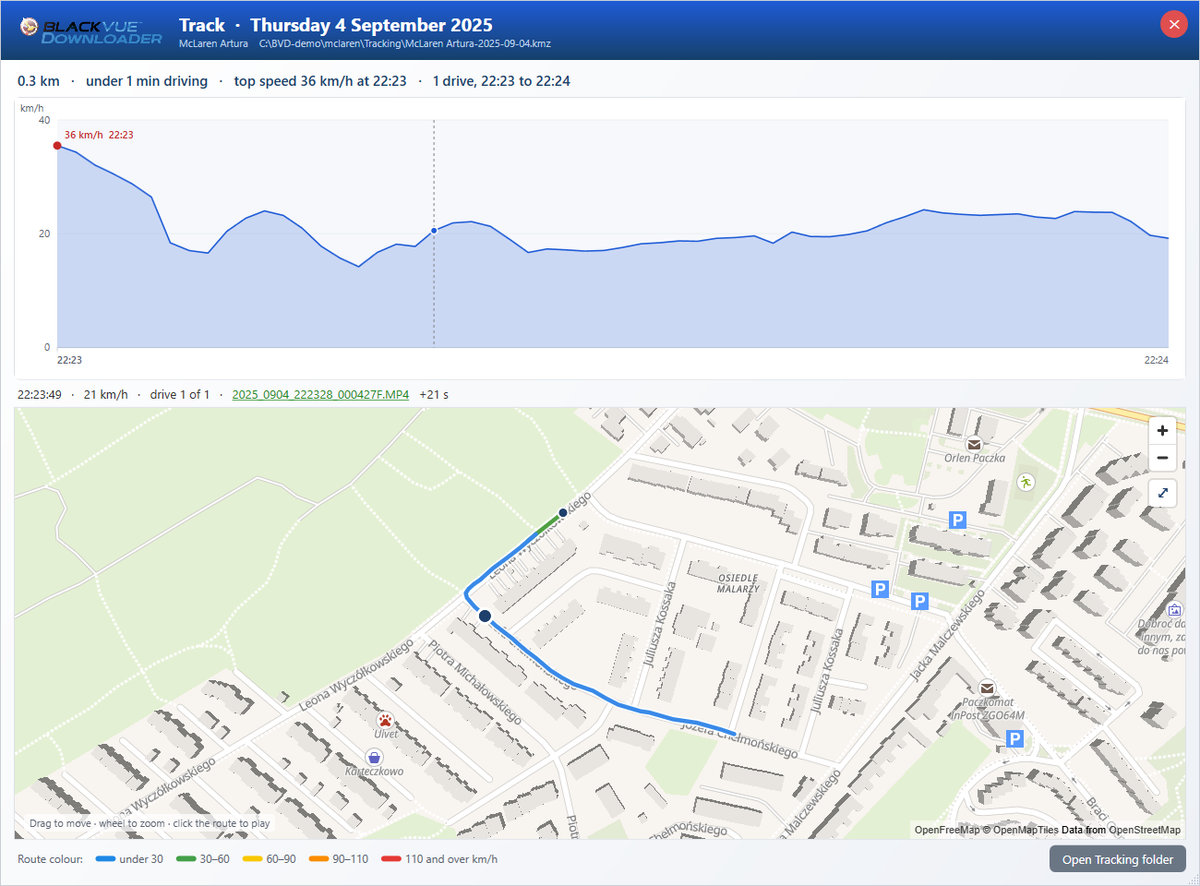
3. Watch and checkSpeed and G-force from the camera’s GPS, a map of each day’s drives, and any event played from the second it happened.
Set-up, briefly
- Station mode. Connect your phone to the camera’s Wi-Fi, open the VIOFO app, stop recording, and enter your home Wi-Fi under Settings → Wi-Fi Station Configuration. Then turn the camera’s Wi-Fi off and hold REC + Wi-Fi (or MIC + Wi-Fi, depending on the model) until it says “Wi-Fi Station Mode Enabled”.
- A fixed IP address. Reserve the camera’s address in your router (it is shown on the camera’s screen, or in the router’s device list), and enter it when you add the camera. The app recognises a VIOFO by itself.
- Wi-Fi when parked. With standard firmware, expect downloads only while the car is running. VIOFO support has said it can prepare firmware that keeps Wi-Fi on for the T330, T340 and A149 Pro Duo – ask VIOFO about your model.
- Rejoining. Check that the camera rejoins your home Wi-Fi after a drive. Owners of some models (for example the A139 Pro) report station mode switching off after time away from home.
- Power. A hardwiring kit or battery pack, so the camera is on when it is home.
The full guide, with what to check when it doesn’t connect, is in Help → VIOFO cameras.
VIOFO cameras
With Wi-Fi station mode, on VIOFO’s list:
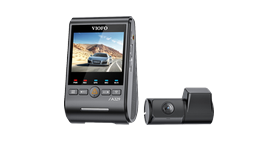 A329
A329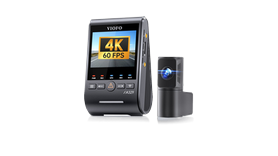 A329S
A329S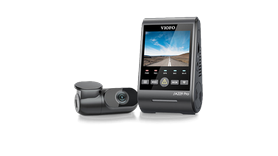 A229 Pro
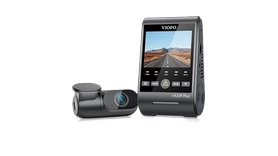 A229 Plus
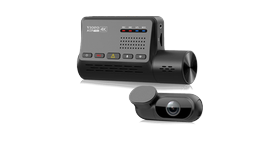 A139 Pro
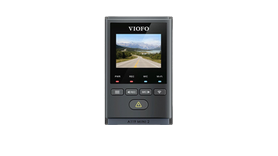 A119 Mini 2
VIOFO says station mode also works on these – not yet confirmed by a user of Dashcam Downloader:
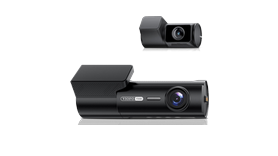 T330VIOFO says yes
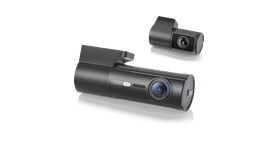 T340VIOFO says yes
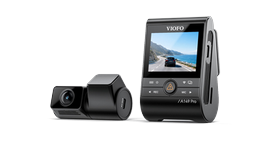 A149 Pro DuoVIOFO says yes
What else it does
- VIOFO and BlackVue cameras side by side in one app, one to 24+ cameras.
- Per camera: where to save, how many days or how much disk space to keep, and which clips come first.
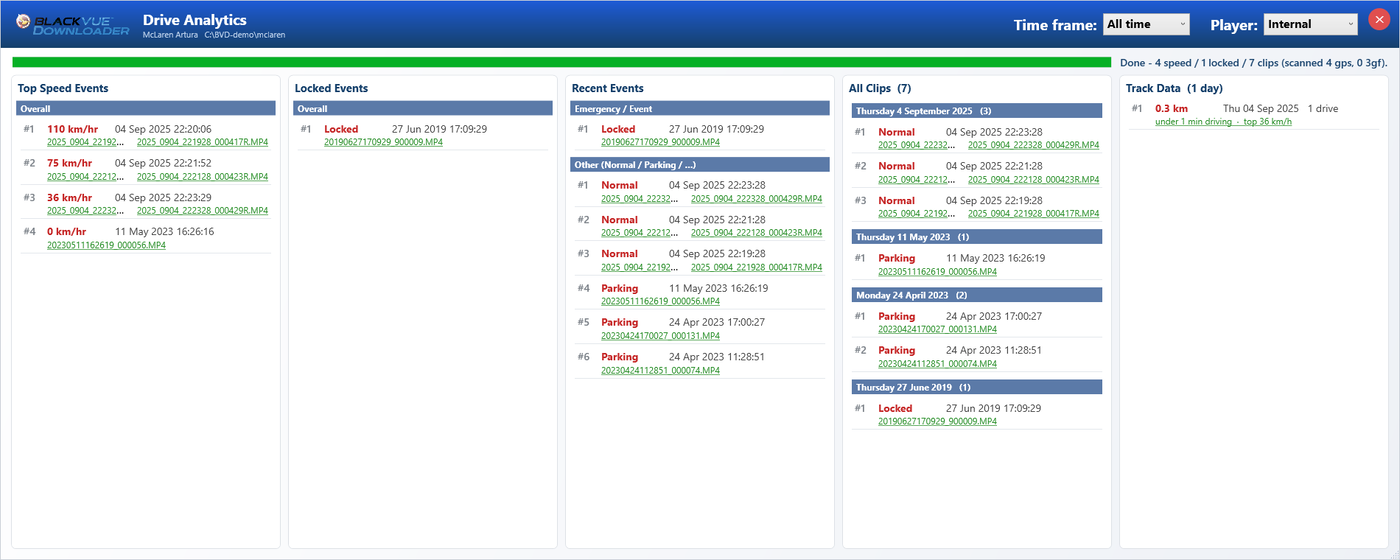
- Drive Analytics with Locked Events, top speeds and hardest knocks, and Track Data: each day’s drives on a speed graph and a street map.
- Live View of the camera’s live stream.
- Already have a folder of VIOFO footage? Add it with Analyse Folder Only and press Process VIOFO GPS for speed, events and maps.
Questions
Does my footage go to the internet or a cloud?
No. It goes straight from the camera to your PC over your own network. The app uploads nothing and needs no account – only the Microsoft Store licence.Can it save straight to my NAS?
Yes – choose a NAS folder (network share) as the save location. The app itself runs on a Windows PC, which needs to be on when the car is home. It does not run on the NAS itself.Will it download while the car is parked overnight?
Only if your camera keeps its Wi-Fi on in parking mode. With standard VIOFO firmware it switches Wi-Fi off, so downloads happen while the car is running. Ask VIOFO support whether a firmware that keeps Wi-Fi on exists for your model.My camera keeps leaving station mode.
Some models drop back to their own hotspot after time away from your network. That is the camera’s firmware; VIOFO support is the place to ask. The trial lets you see how your camera behaves before you buy.What does it cost?
A one-time purchase in the Microsoft Store after a fully working 7-day trial. No subscription.Is it made by VIOFO?
No. Dashcam Downloader is an independent app by Gizmo Coding. VIOFO’s firmware and support are outside our control.Try it with your own camera
Set up station mode, install from the Microsoft Store, add the camera’s IP address, and watch the first clips arrive.
Try free for 7 days